By Ayesha Iftikhar August 17, 2026 1 min read
Automate Your Life: 9 NFC Triggers That Actually Stick
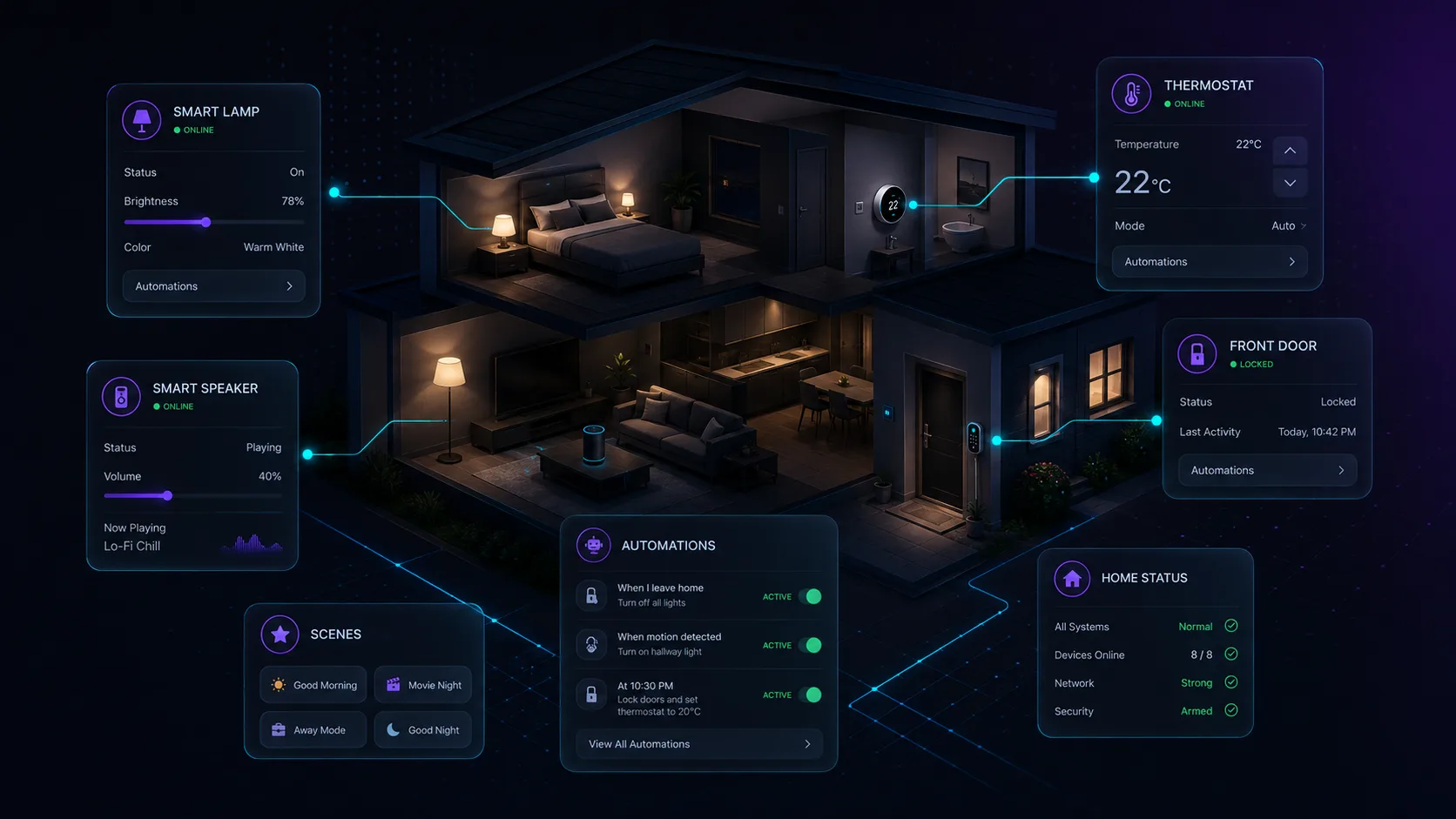
The best automation isn't the cleverest one — it's the one you'll still be using six months from now. NFC triggers win because they're physical: the tag is the button, placed exactly where the habit happens.
Around the house
- Bedside tag → phone goes silent, alarm set, lights off routine fires
- Front-door tag → logs 'left home', silences notifications, opens your commute podcast
- Kitchen tag → launches the grocery list app and starts a cook timer
- Laundry-room tag → starts the wash-reminder timer you always forget
At work
- Desk tag → clocks you in, opens your task board, enables work Wi-Fi profile
- Meeting-room tag → silences the phone for exactly one hour
- Studio/garage tag → launches your tools: camera app, measurement notes, shop playlist
In the car and beyond
A dash-mounted tag beats any Bluetooth trigger because it works even when the phone was idle: media volume up, navigation home preloaded, Do Not Disturb on. Travelers stick a luggage tag inside each suitcase that opens the packing checklist — one tap, no app hunting.
Make it stick (literally)
NFC Wizard writes the tag — a text marker, a link, or the Smart Home Automation template for Home Assistant — and the actions themselves run in Shortcuts on iPhone (Personal Automation → NFC) or in an automation app like Home Assistant or Tasker on Android.
Write the tag once, then place it at the point of habit — not where it looks nice. Test for a week. If you skip it twice, move it closer to where your hand actually lands.
Try it yourself
NFC Wizard is free for iPhone and Android.